
First step
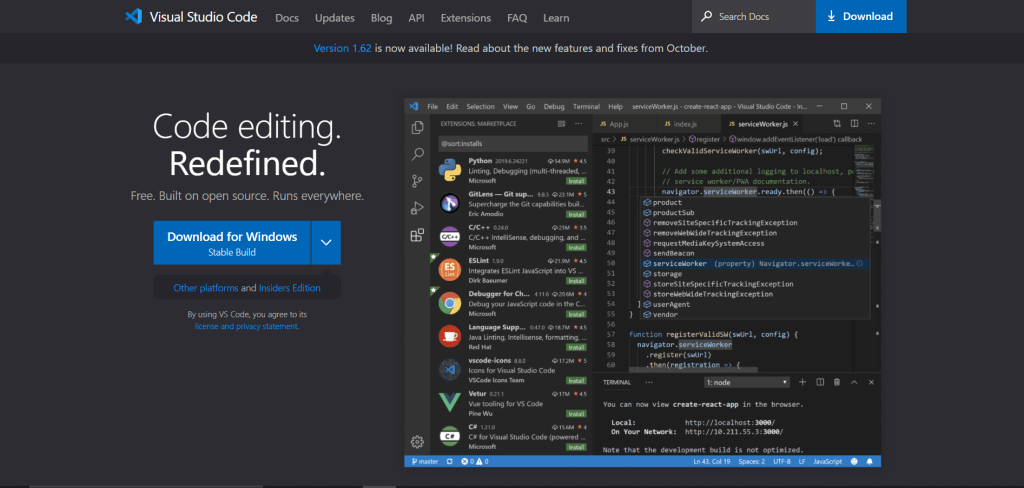
Download the Visual Studio Code software from this page.
Second step
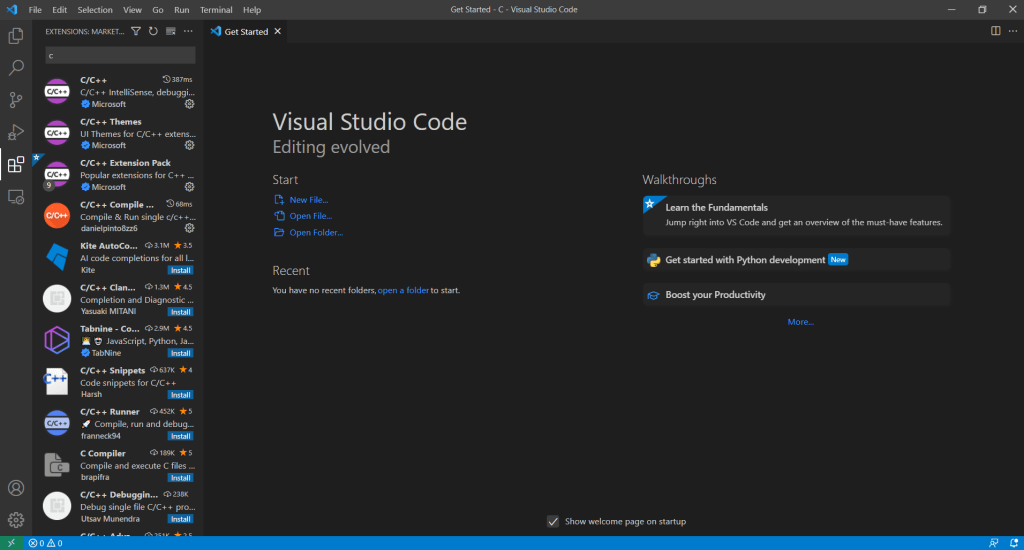
Open the VSCode and on the left vertical dashboard click in the fifth icon named extensions. Now install the first four extension shown in the image below.
Third step
This is the crucial step. You need to download MinGW, export the zip folder and move directly to your (C:) drive. The MinGW can be downloaded by clicking here.
- Open the MinGW subfolder bin and copy the directory. It should be something like this (C:\MinGW\bin).
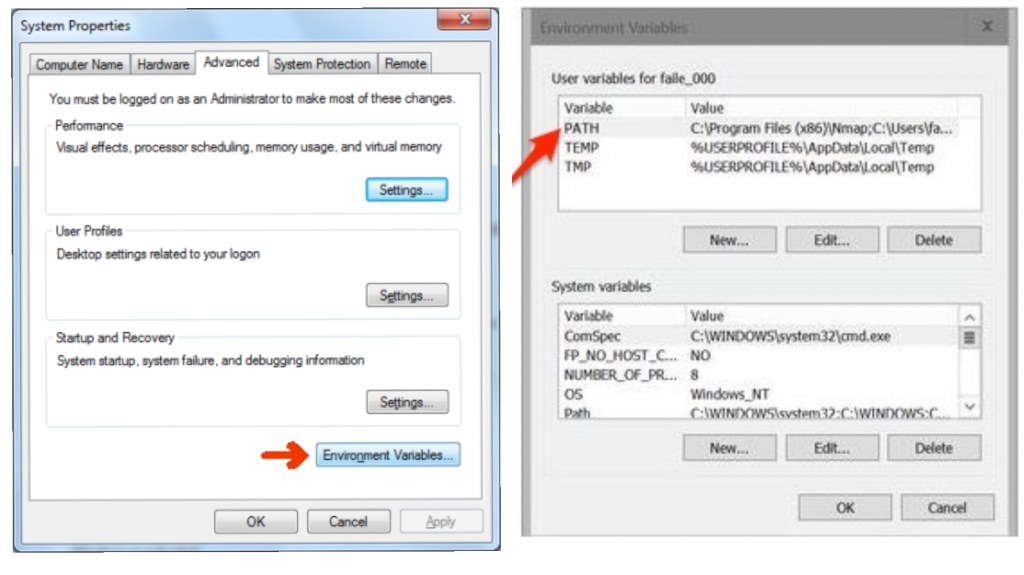
- Search in your computer for environmental settings and follow the instructions on the next two images.
- Afterwards, click new and paste the directory. Then click OK.
Final step
By now you are set to go and able to run your first C file! Open a folder where you desire to create your programs and create a new file with a name like (example.c). Then write the following code from the image below and press F6 to run the code. In further topics this and more advanced coding syntaxes will be explain.


 Coding Beyond Zero
1 Comment